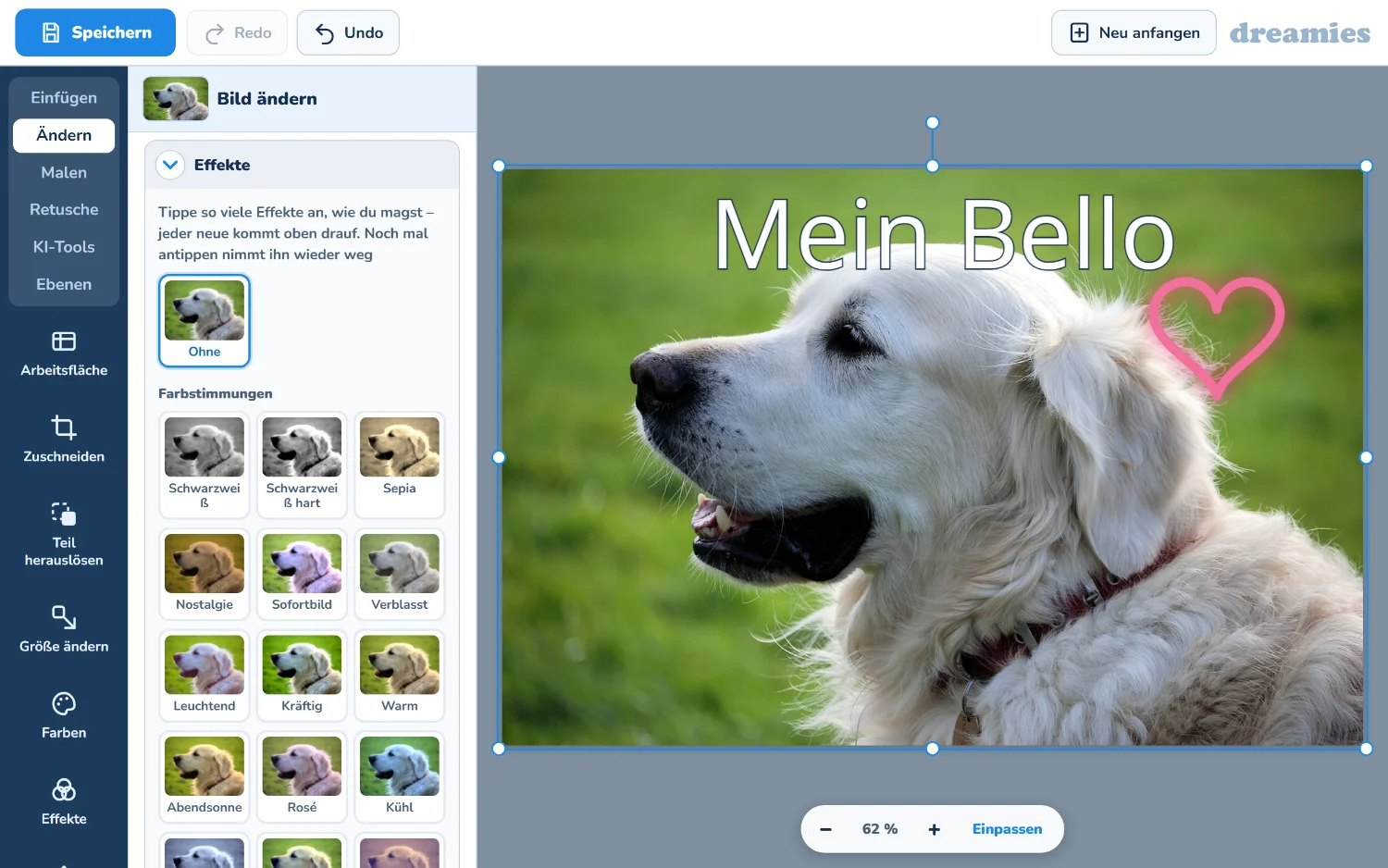
Wir haben für euch einen ganz neuen
Bildeditor entwickelt - komplett auf dreamies und direkt im Browser. Nichts herunterladen, nichts installieren: Bild aussuchen und loslegen, am Computer genauso wie am Handy oder Tablet.
Ihr findet ihn bei jedem Bild unter „Bild bearbeiten“ - oder direkt über den Knopf ganz unten.
» Alles dabei, was ihr kennt
Wir haben uns angeschaut, welche Werkzeuge in den bekannten Bildbearbeitungsprogrammen am meisten benutzt werden - und sie alle übernommen.
Animierte Bilder - volle Unterstützung von animierten Bildern
Zuschneiden und Größe - drehen, vergrößern, verkleinern, Ecken abrunden
Farben - Helligkeit, Kontrast und Schärfe, dazu über ein Dutzend fertige Farbstimmungen wie Nostalgie, Sofortbild oder Abendsonne
Über 20 Effekte - Ölgemälde, Bleistiftzeichnung, Comic, Mosaik, Kaleidoskop, Milchglas und mehr
Text - viele Schriften, mit Rand und Schatten, und als Glitzertext im Muster eurer Wahl
Malen - elf Stifte und Pinsel: Filzstift, Kreide, Sprühdose, Neon, Glitzer, Herzen, Sterne, Regenbogen
Sticker, Formen und Bilderrahmen - dazu Pfeile und Sprechblasen
Ebenen - alles liegt wie Folien übereinander und bleibt einzeln änderbar
Retusche - Flecken entfernen, stempeln, weichzeichnen, aufhellen, verflüssigen
Rückgängig - jeder einzelne Schritt lässt sich zurücknehmen und wiederholen
» Eure Bilder können sich bewegen
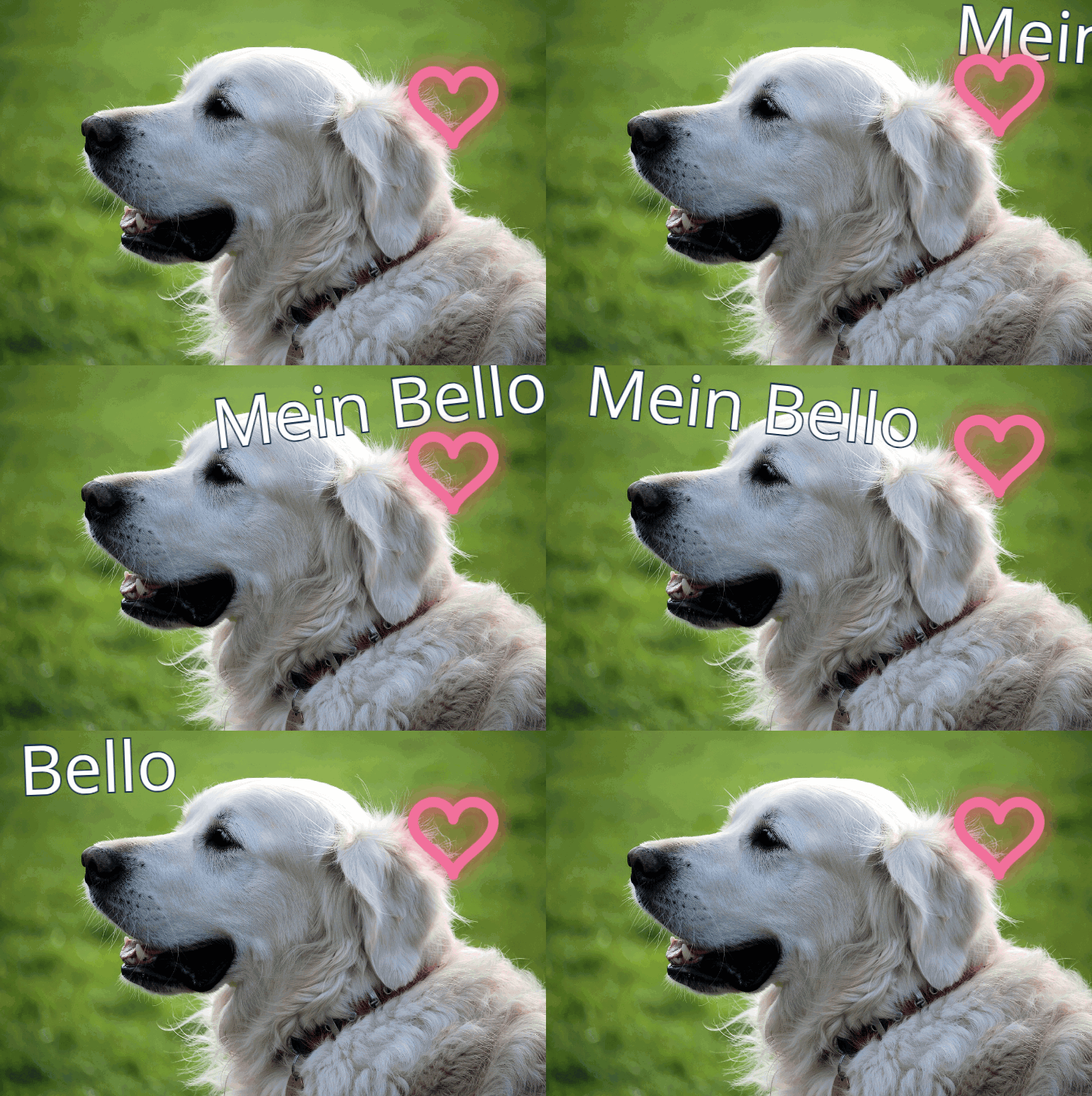
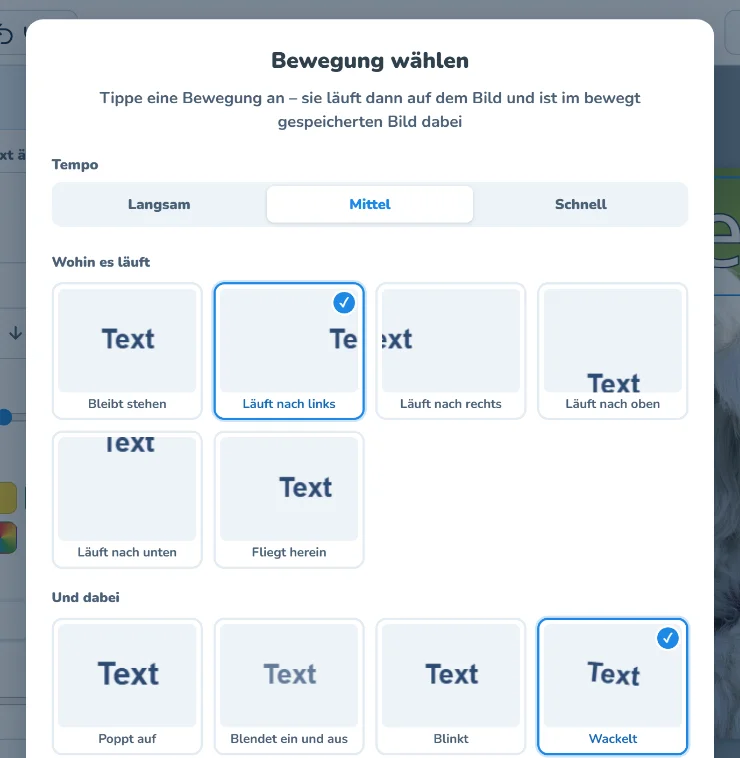
Jede Ebene kann sich bewegen: Ein Text läuft über das Bild, ein Sticker hüpft, ein Foto blendet sich ein, Schrift erscheint wie auf einer Schreibmaschine. 16 Bewegungen stehen zur Auswahl, und mehrere davon lassen sich am selben Text oder Bild kombinieren.
Dazu gibt es bewegte Effekte wie Schnee, Funkeln, Herzen oder Konfetti, die über dem ganzen Bild liegen. Und wer ein bewegtes Bild in den Editor lädt, kann es dort ganz normal weiterbearbeiten.
» Auch die KI hilft mit
Wer mag, lässt die KI arbeiten: Hintergrund entfernen, die Bildqualität verbessern oder das Bild mit Worten verändern - zum Beispiel „Setz dem Hund eine Mütze auf“.
» Noch in der Testphase
Der Editor ist gerade erst fertig geworden und befindet sich noch in der Testphase. Probiert ihn in Ruhe aus - und wenn etwas nicht klappt, seltsam aussieht oder euch eine Funktion fehlt, schreibt es uns einfach. Jede Rückmeldung hilft.
Gespeichert wird übrigens immer als neues Bild, euer Ausgangsbild bleibt unverändert.
Eine bebilderte Anleitung führt euch Schritt für Schritt durch die ersten Bilder:
Bei Fragen, Problemen oder Kritik schaut doch einfach mal in der
dreamies.de-Gruppe vorbei!